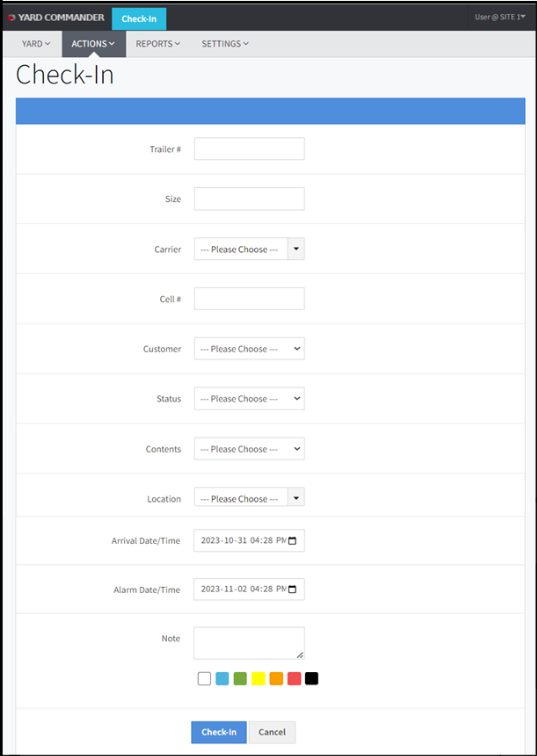
The Check-In action page is used when a trailer first arrives at the yard. It is used to log the initial details of that specific trailer into the system.
By going on Action >> Check in (or simply by clicking on the Check In Button at the top of the page) you will be redirected to the check in page on Yard Commander.
Complete the associated fields and click Check-In to check the trailer into the system. The system will validate that all mandatory fields have been filled in before adding the trailer to the system and setting its status. If complete, you will be redirected to your homepage.