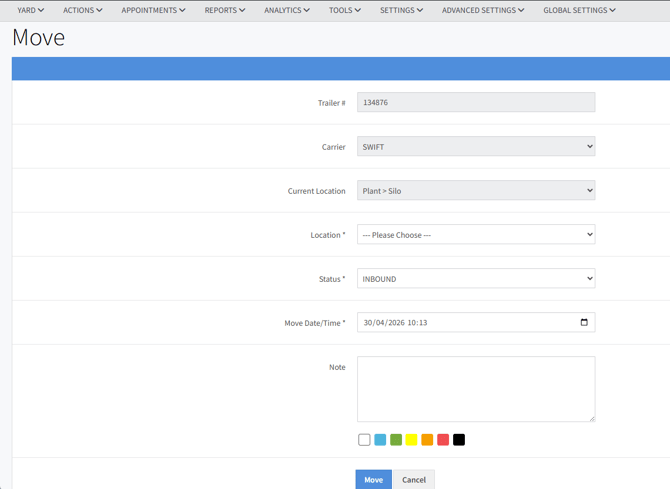
The Move action page is used to move a trailer from one location to the another. It will record all the details associated with this transaction. This move is immediate, unlike Scheduling a Move.
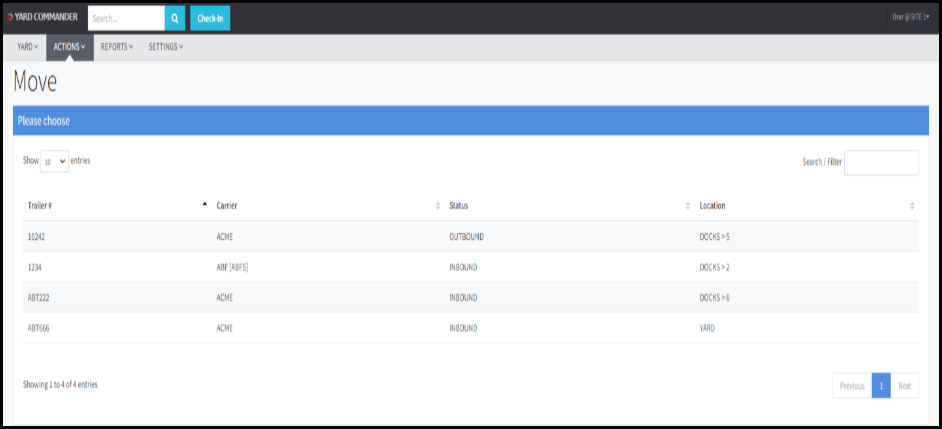
STEP 1: From the ACTIONS menu, select Move and then select the trailer # from the list. Alternatively, from the Inventory page, click the trailer and from the pop-up menu, select Move.
STEP 2: Once a trailer has been selected, the Move window will appear.
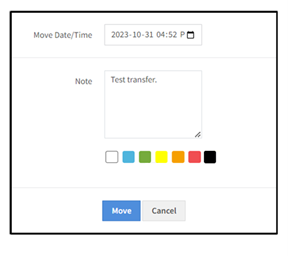
Complete the associated fields. To save the changes click Move. To clear changes without saving click Cancel. Once the Move button has been clicked, the transaction is completed and the trailer is moved.